Introduction to Logic Programming using Prolog
| Institution | Jomo Kenyatta University of Science and Technology |
| Course | Information Technol... |
| Year | 3rd Year |
| Semester | Unknown |
| Posted By | Jeff Odhiambo |
| File Type | ppt |
| Pages | |
| File Size | 1.69 MB |
| Views | 4152 |
| Downloads | 0 |
| Price: |
Buy Now
 Buy via
whatsapp Buy via
whatsapp
|


Description
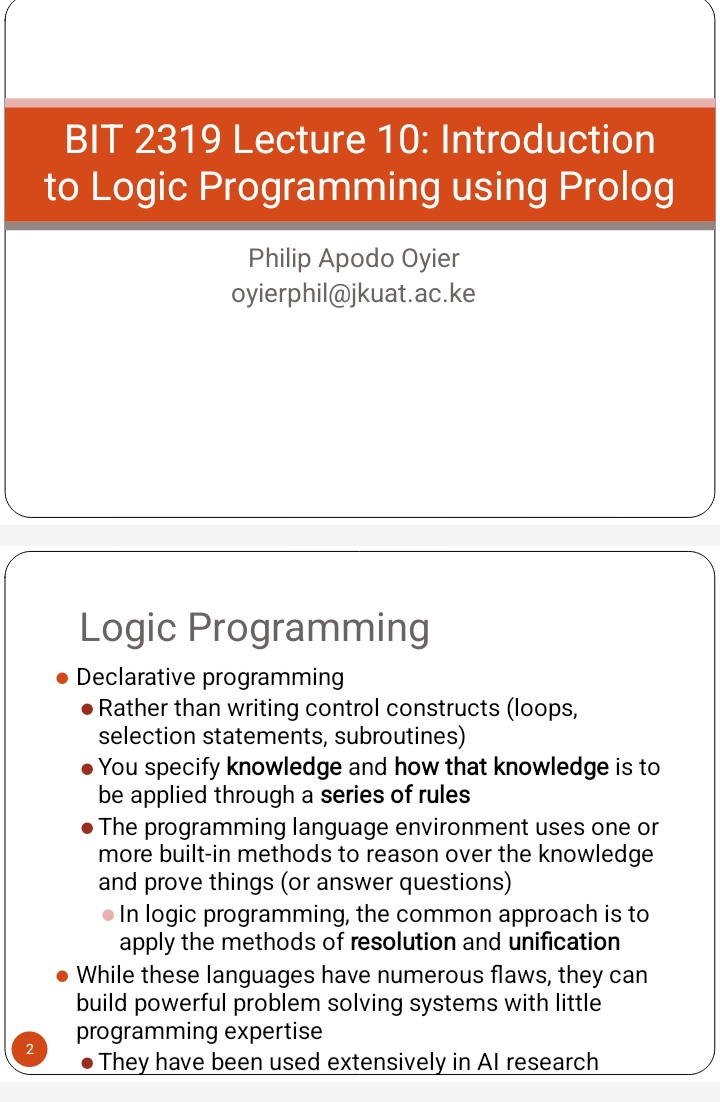
Introduction to Logic Programming using Prolog covers the fundamentals of Prolog, a declarative programming language based on formal logic. In Prolog, programs are written as a set of facts, rules, and queries, where the system attempts to answer queries by applying logical inference to the facts and rules provided. Unlike imperative programming languages, Prolog focuses on what the problem is, rather than how to solve it, making it particularly suited for tasks involving symbolic reasoning, such as artificial intelligence, natural language processing, and expert systems. The key concepts in Prolog include predicates, facts, rules, and backtracking, which allow for efficient problem-solving through logical deductions.
Below is the document preview.

Advanced programming course outline
Trending!
Advanced programming course description
3948 Views
0 Downloads
24.14 KB
Computer Aided Graphics questions
Trending!
Computer Aided Graphics self assessment questions
1 Pages
3558 Views
0 Downloads
100.21 KB
Computer Aided Graphics Revision
Trending!
Computer Aided Graphics Revision
3569 Views
0 Downloads
27.08 KB
Computer Aided Graphics notes
Trending!
Computer-Aided Graphics (CAG) focuses on the use of computer software and tools to create, manipulate, and visualize graphic designs and models. These notes typically cover fundamental concepts like 2D and 3D modeling, transformations, rendering, and the mathematical basis for graphical operations such as geometric transformations and coordinate systems. Topics may include algorithms for line and curve drawing, shading, lighting, texture mapping, and the role of CAD (Computer-Aided Design) in engineering and architectural applications. The notes often explore software like AutoCAD or Blender, along with programming techniques for custom graphic applications, offering practical insights into design, visualization, and problem-solving in modern industries.
3555 Views
0 Downloads
64.94 KB
Introduction to Computer Animation
Trending!
Introduction to Computer Animation is a foundational course that explores the principles, techniques, and tools used to create motion and visual effects in digital media. It covers key concepts such as the principles of animation, storyboarding, timing, and motion dynamics, providing students with a comprehensive understanding of how to bring characters and scenes to life. The course introduces industry-standard software for 2D and 3D animation, fostering creativity and technical proficiency. Through hands-on projects, students learn to create compelling animations, focusing on both artistic expression and technical accuracy, while gaining insight into the animation industry's workflows and applications.
No pages found
4037 Views
1 Downloads
92.04 KB
Character Animation
Character animation is the process of bringing characters to life through movement and expression, making them appear as though they are thinking, feeling, and acting with purpose. It involves creating realistic or stylized motions for characters in various mediums, such as films, video games, and virtual environments. Animators use techniques like keyframing, motion capture, or rigging to control a character’s movements and gestures while focusing on timing, weight, and personality to make the animation engaging and believable. The goal is to convey emotion and storytelling through the character's actions, making them relatable and memorable to the audience.
No pages found
347 Views
0 Downloads
1.14 MB
Skeletal Animation
Skeletal animation is a technique used in computer graphics and animation where a character is represented by two components: a surface mesh and an underlying skeleton or rig. The skeleton consists of interconnected bones or joints, which act as a framework that drives the motion of the character. Animators manipulate the skeleton to create movements, such as walking, running, or gestures, while the surface mesh follows these movements to form the character's visible appearance. This method allows for efficient and flexible animation, enabling complex motions and deformations, and is widely used in video games, films, and virtual environments.
No pages found
388 Views
0 Downloads
134.92 KB
Joints
In computer animation, joints refer to the flexible points or pivots that connect different parts of a 3D character's skeleton, allowing for movement and articulation. These joints act as rotational axes, enabling the animator to manipulate the character’s body parts like limbs, fingers, and facial features in a natural way. By setting up a hierarchy of joints, animators can control how parts of the body move in relation to each other, creating realistic motions and expressions. Proper joint placement and weight distribution are essential for achieving fluid and convincing animation in 3D models.
No pages found
375 Views
0 Downloads
1.02 MB
Skinning
Skinning in computer animation refers to the process of attaching a 3D model's mesh (the "skin") to a rig (the skeleton) in a way that allows it to deform realistically when the underlying joints or bones move. During skinning, animators assign weights to various parts of the mesh, determining how much influence each joint has over the mesh's vertices. This process ensures that the mesh moves smoothly and naturally with the rig, preventing unnatural distortions or stretching. There are two main types of skinning: linear (smooth) skinning, which interpolates between joint influences, and dual quaternion skinning, which provides better deformation for more complex movements. Proper skinning is essential for creating believable character animations in both games and films.
No pages found
299 Views
0 Downloads
223.91 KB
Animation of the Whole Body
Trending!
Animation of the whole body refers to the process of creating a moving, three-dimensional representation of a human or creature's entire body. This process involves the careful manipulation of key frames, joints, and skeletal structures, using specialized software to simulate natural movements such as walking, running, or interacting with objects. The animator meticulously adjusts the position of the character's limbs, torso, and head to ensure fluidity and realism, often incorporating muscle and skin deformation to enhance the visual accuracy. Techniques such as motion capture and inverse kinematics are often employed to create lifelike motions that mimic real-world anatomy and physics.
No pages found
3446 Views
0 Downloads
122.79 KB